
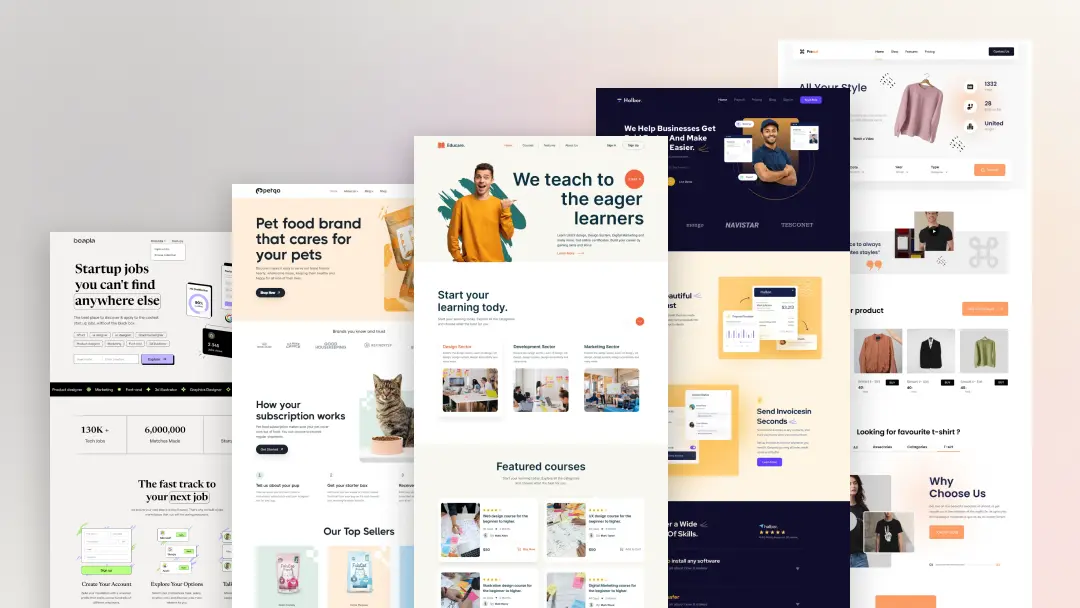
Best UI Design Trends Every Web Creator Should Follow
UI design is constantly evolving. What looked modern a few years ago now feels outdated. In 2026, users expect websites and apps to be clean, fast, and visually engaging. Following the right UI design trends helps you create better user experiences and build trust with your audience.
Here are the most important UI design trends every web creator should follow.
1. Minimal and Clean Layouts
Less is more. Simple designs with proper spacing and fewer distractions create a better user experience.
Minimal design focuses on:
-
Clear content
-
Easy navigation
-
Better readability
-
Professional look
Users prefer websites that feel light and easy to use.
2. Bold Typography
Typography is becoming a main design element. Big, bold, and clear fonts are used to grab attention and improve readability.
This helps to:
-
Highlight important messages
-
Improve visual hierarchy
-
Make content more engaging
Strong typography gives personality to your design.
3. Soft Gradients and Modern Colors
Gradients are back, but in a softer and more professional way. They add depth and creativity without making the design heavy.
They are used in:
-
Buttons
-
Backgrounds
-
Hero sections
-
Cards
Modern color palettes make interfaces more attractive.
4. Dark Mode and Light Mode Support
Users love having options. Dark mode reduces eye strain and gives a premium look, while light mode stays clean and simple.
Providing both modes:
-
Improves user comfort
-
Enhances accessibility
-
Adds a modern touch
5. Micro-Interactions
Small animations make a big difference. Micro-interactions respond to user actions like hovering, clicking, or scrolling.
They:
-
Improve user engagement
-
Make interfaces feel alive
-
Guide user behavior
Simple motion creates a better experience.
6. Card-Based Layouts
Cards organize content into small, easy-to-understand blocks.
They are useful for:
-
Products
-
Blog posts
-
Services
-
Dashboards
Card layouts make content structured and clean.
7. Mobile-First Design
Designing for mobile first is now a standard practice.
It ensures:
-
Better performance
-
Cleaner layouts
-
Improved accessibility
If it works well on mobile, it works everywhere.
8. Simple and Clear Navigation
Users should find what they want without thinking.
Modern navigation focuses on:
-
Fewer menu items
-
Clear labels
-
Easy structure
Good navigation improves user satisfaction.
9. Accessibility Focus
Design should be usable by everyone.
This includes:
-
Proper contrast
-
Readable fonts
-
Keyboard navigation
-
Screen reader support
Accessibility is no longer optional.
10. Fast and Performance-Oriented Design
Speed is part of UI design. Heavy animations and complex layouts slow websites down.
Modern UI focuses on:
-
Lightweight design
-
Optimized images
-
Clean structure
Fast interfaces keep users engaged.
Why These Trends Matter
Following UI design trends helps you create websites that feel modern, professional, and user-friendly. It improves trust, engagement, and overall brand quality.
Web creators who follow trends stay ahead in a competitive digital market.
How TRISOLMEDIA Supports Modern UI Design
At TRISOLMEDIA, our themes are built using the latest UI design trends. They focus on:
-
Clean layouts
-
Strong typography
-
Modern color systems
-
Mobile-first design
-
High performance
-
Easy customization
Our themes help web creators build visually powerful and user-friendly websites with ease.
Final Thoughts
UI design trends are not about copying styles, but about improving user experience. By following these trends, you create interfaces that are simple, fast, and enjoyable to use.
Design smarter. Build better. Stay modern with TRISOLMEDIA.
SHARE THIS :
BLOG
Related Articles
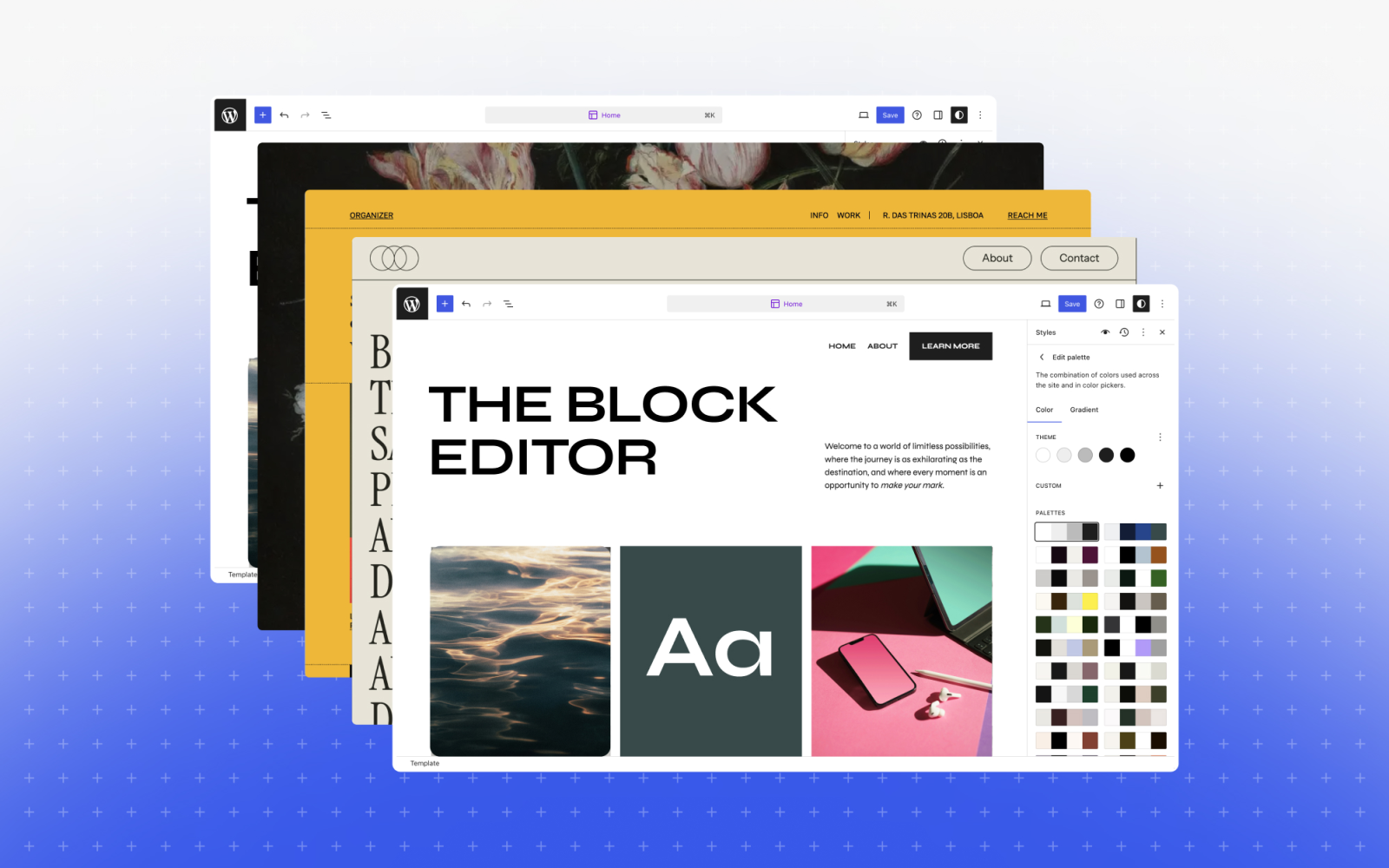
Complete Guide to Building a Professional Website with Ready-Made Themes
mohsin
January 29, 2026
No Comments
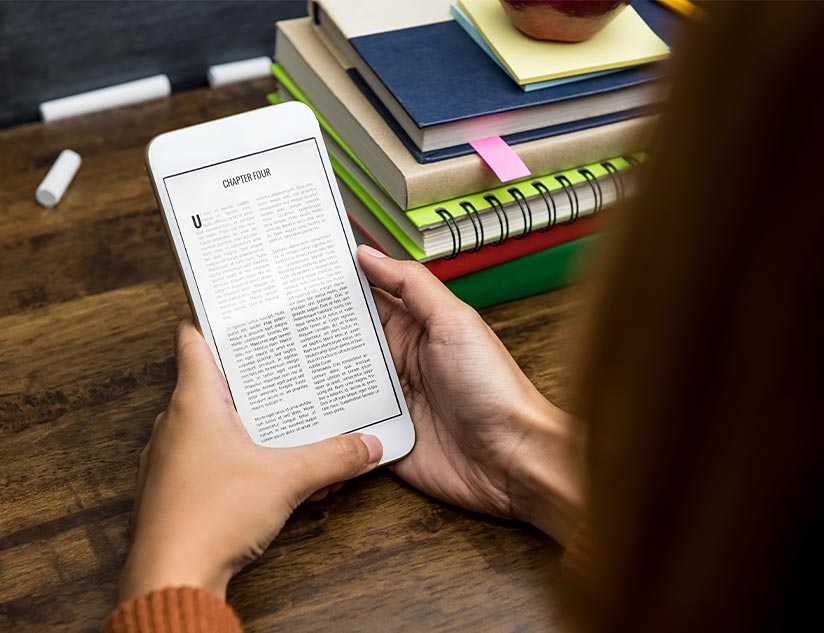
Why Digital E-Books Are the Future of Learning in 2026
mohsin
January 29, 2026
No Comments
COMMENT
Post a Comments
We’d love to hear your thoughts! Share your feedback, questions, or suggestions with TRISOLMEDIA. Your comments help us improve our themes, digital products, and overall experience for our community.